If you’ve ever opened your grinder to find a fine dust of coffee grounds clinging to the walls, the chute, or the portafilter spout, you’re not imagining things – and you’re not doing anything wrong. Coffee grinder static is one of the most common (and most misunderstood) quirks of home grinding.
The good news: it’s almost always harmless. The better news: there are a few simple, well-tested tricks that can cut it down significantly. This guide walks through why static builds up during grinding, what makes it worse or better, whether it affects your coffee at all, and exactly what to do about it.
Why Do Coffee Grounds Stick to the Grinder?
Static cling happens because of basic physics, not because something is broken.
Static electricity, in plain terms, is an imbalance of electrical charge on a surface. When two different materials rub against each other and then separate, electrons can transfer from one surface to the other. One surface ends up with a slight positive charge, the other slightly negative. Opposite charges attract, which is why lightweight particles start jumping toward the nearest surface instead of falling straight down.
This transfer process has a name: triboelectric charging. “Tribo” comes from the Greek word for rubbing, and it’s the same effect that makes a balloon stick to your hair or a wool sweater crackle in dry weather.
Inside a grinder, coffee beans go through intense friction. They get crushed and sheared between burrs (or chopped by blades), and the resulting particles rub against metal, plastic, and each other at high speed. That friction generates a charge on the coffee particles. Since the grounds are now charged and the grinder’s plastic hopper, chute, or bin is a different material, the two surfaces attract – and the grounds stick.
Freshly ground coffee is especially prone to this because grinding creates a huge amount of new surface area almost instantly. More surface contact means more friction, more electron transfer, and more charge built up in a very short window. That’s also why grounds seem to “jump” toward the grinder walls the moment they’re produced, rather than settling calmly into the catch bin.
What Makes Static Worse (or Better)
Not every grind session produces the same amount of cling. Several variables shift the outcome – some you can control, some you can’t.
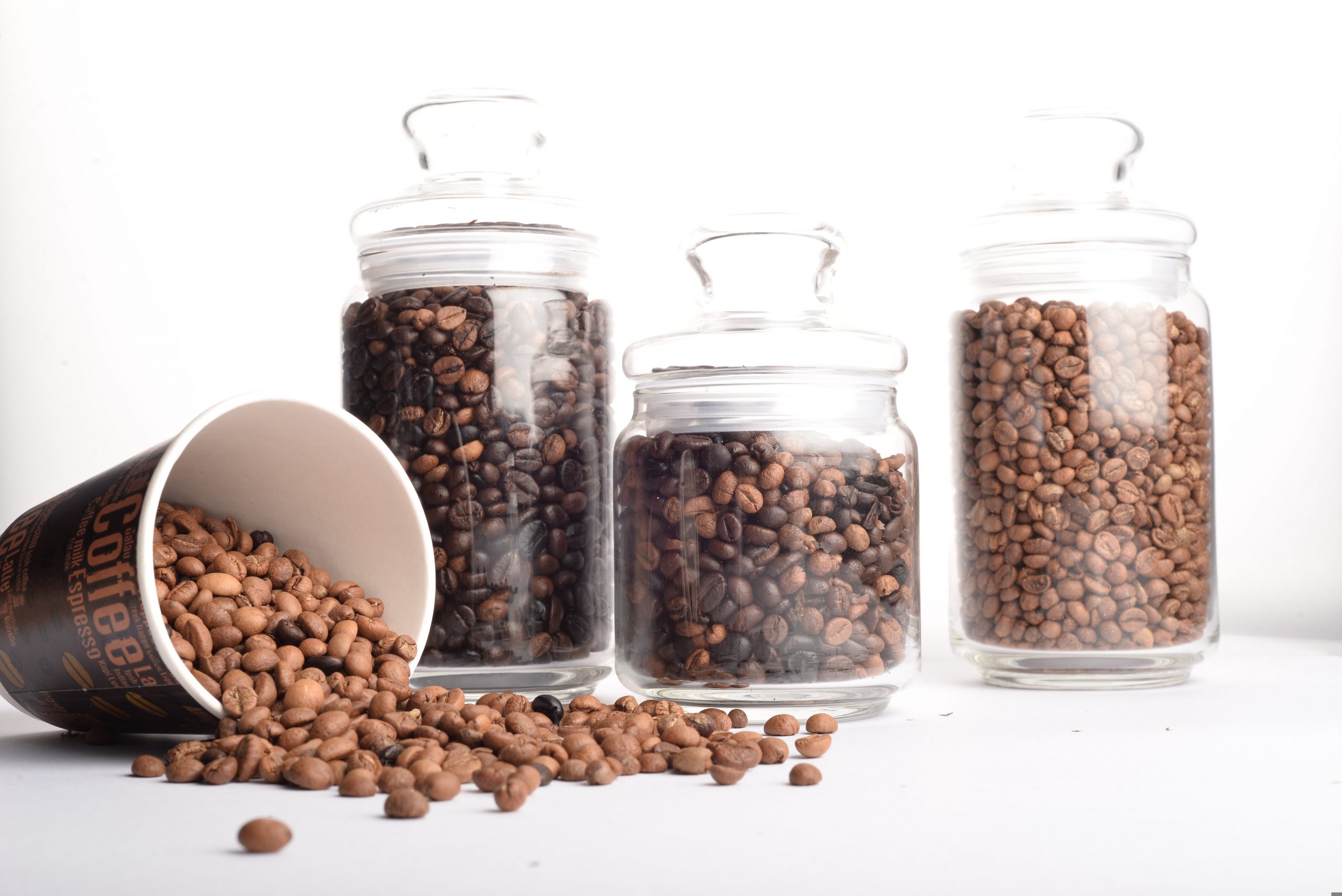
Bean moisture and roast level Dry beans hold less internal moisture, and moisture is a natural, mild conductor that helps dissipate charge. Light roasts tend to be drier and denser, which often makes them produce more static. Darker roasts release oils to the surface during roasting, and that light coating of oil adds a bit of natural anti-static effect, helping grounds clump slightly instead of scattering.
Grind size Finer grinds generally create more static. A finer grind means more crushing and more particle-to-particle and particle-to-surface contact, which generates more charge. Coarse grinds for French press or cold brew tend to cling far less than fine espresso grinds.
Ambient humidity Dry air is a poor conductor, so any charge that builds up has nowhere to go and just sits on the surface of the grounds. Humid air carries more moisture, which helps charge dissipate faster. This is why static seems to spike in winter, when indoor heating dries out the air, and calms down in humid summer months.
Grinder material Plastic hoppers, chutes, and grounds bins tend to hold and generate more static than metal ones. Metal is conductive, so charge moves through it and grounds more easily instead of building up on the surface. This is one reason well-built burr grinders with metal grounds chutes often produce noticeably less mess than all-plastic models.
Quick comparison:
| Factor | Higher static | Lower static |
| Grind size | Fine (espresso) | Coarse (French press) |
| Roast level | Light, dry | Dark, oily |
| Humidity | Low (dry winter air) | Higher (humid conditions) |
| Grinder material | Plastic hopper/chute | Metal chute/bin |
Does Static Cling Affect Your Coffee?
Static is a nuisance, not a quality problem.
Mess and inconsistency are the real issues. Grounds that cling to the chute instead of falling into the portafilter basket throw off your dose. If you’re weighing shots, a gram or two stuck to the walls can shift your ratio and make the shot pull differently than expected. For pour-over or drip brewing, stray grounds clinging to the grinder mean less coffee actually makes it into the filter.
Flavor and freshness are not meaningfully affected. Static doesn’t change the chemistry of the coffee, degrade the beans, or introduce any off-flavors. The charge dissipates naturally within seconds to minutes once the grounds settle. Coffee that’s clinging to a plastic bin is exposed to the same air as coffee that fell straight into your cup – the static itself isn’t accelerating staling.
It’s not a hygiene concern either, as long as you’re cleaning your grinder on a normal schedule. Static-clung grounds are just ordinary coffee particles sitting somewhere inconvenient, not a sign of bacterial growth or contamination.
Where static becomes an actual problem is in dosing consistency and mess, especially with espresso, where a small change in dose matters more than it would with a coarser brew method.
How to Reduce Grinder Static: Practical Tricks
You can’t eliminate static completely, but you can knock it down substantially. Here’s what actually works.
The Ross Droplet Technique (RDT) This is the most well-known fix, developed by home coffee enthusiast Aaron Ross and shared widely across coffee forums and grinding communities. The idea is simple: add a tiny amount of water to your beans before grinding.
Step-by-step:
- Weigh out your beans as usual.
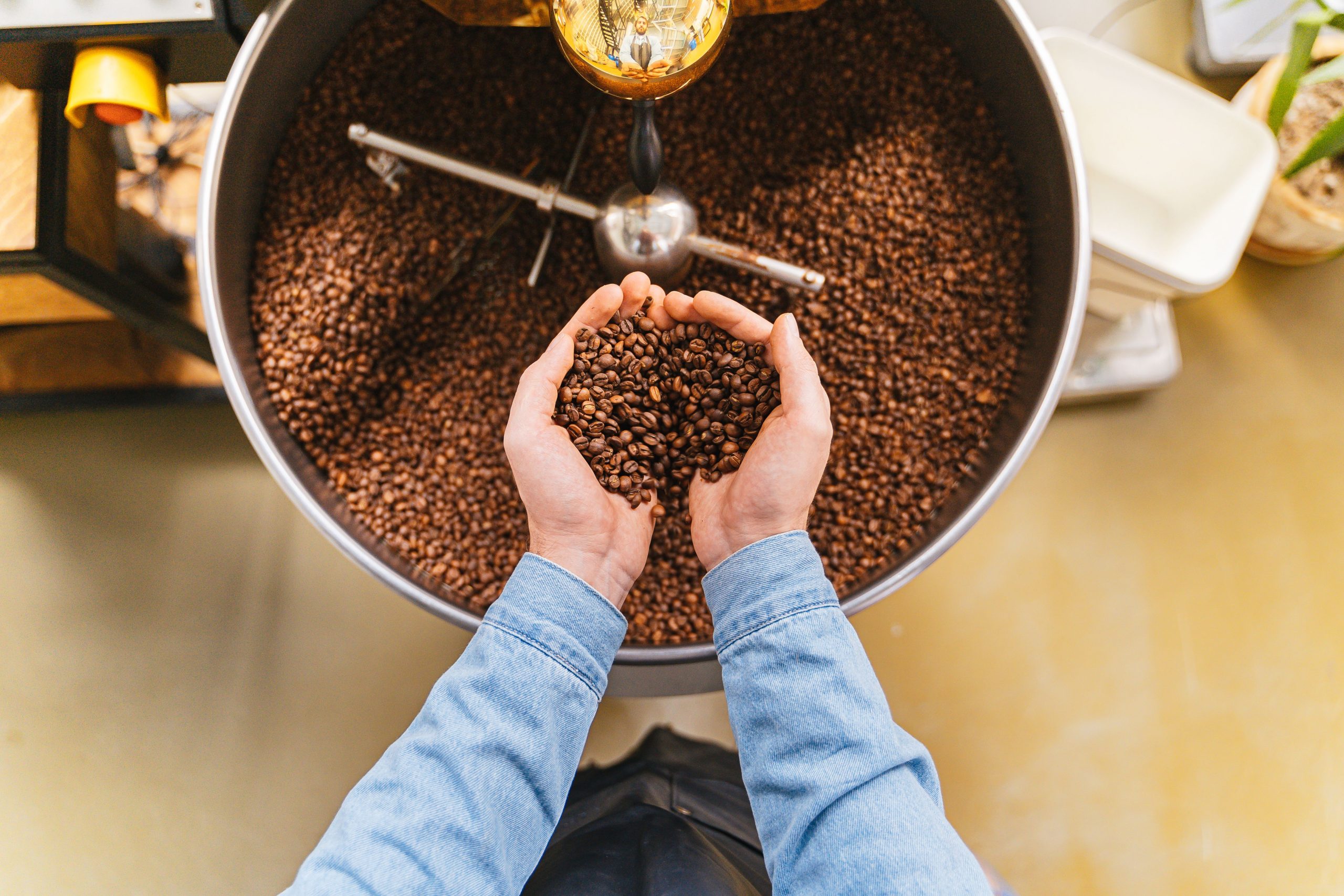
- Add 1–2 drops of water directly onto the beans (a small spray bottle set to mist works well too).
- Stir or shake gently so the moisture spreads across the beans rather than pooling on one.
- Grind as normal.
That small amount of added moisture helps dissipate the charge as it builds, without adding enough water to affect flavor or clog the grinder. Most people find it noticeably reduces cling within the first few seconds of grinding.
Grind into a static-dissipating container Metal containers handle charge better than plastic. If your grinder’s catch bin is plastic, grinding directly into a metal cup or bowl can help.
Touch a grounded metal surface before grinding Briefly touching an unpainted metal surface – a faucet, an appliance chassis – before you start can discharge any static already on your body, which sometimes reduces how much charge accumulates during grinding.
Adjust grind size and let beans rest Beans that are a day or two past roasting tend to be slightly less static-prone than beans ground the same day they’re roasted, since a small amount of residual gas and moisture shifts during the resting period. Grinding slightly coarser, when your brew method allows it, also helps.
Simple daily habits
- Run a small humidifier in a very dry room during winter.
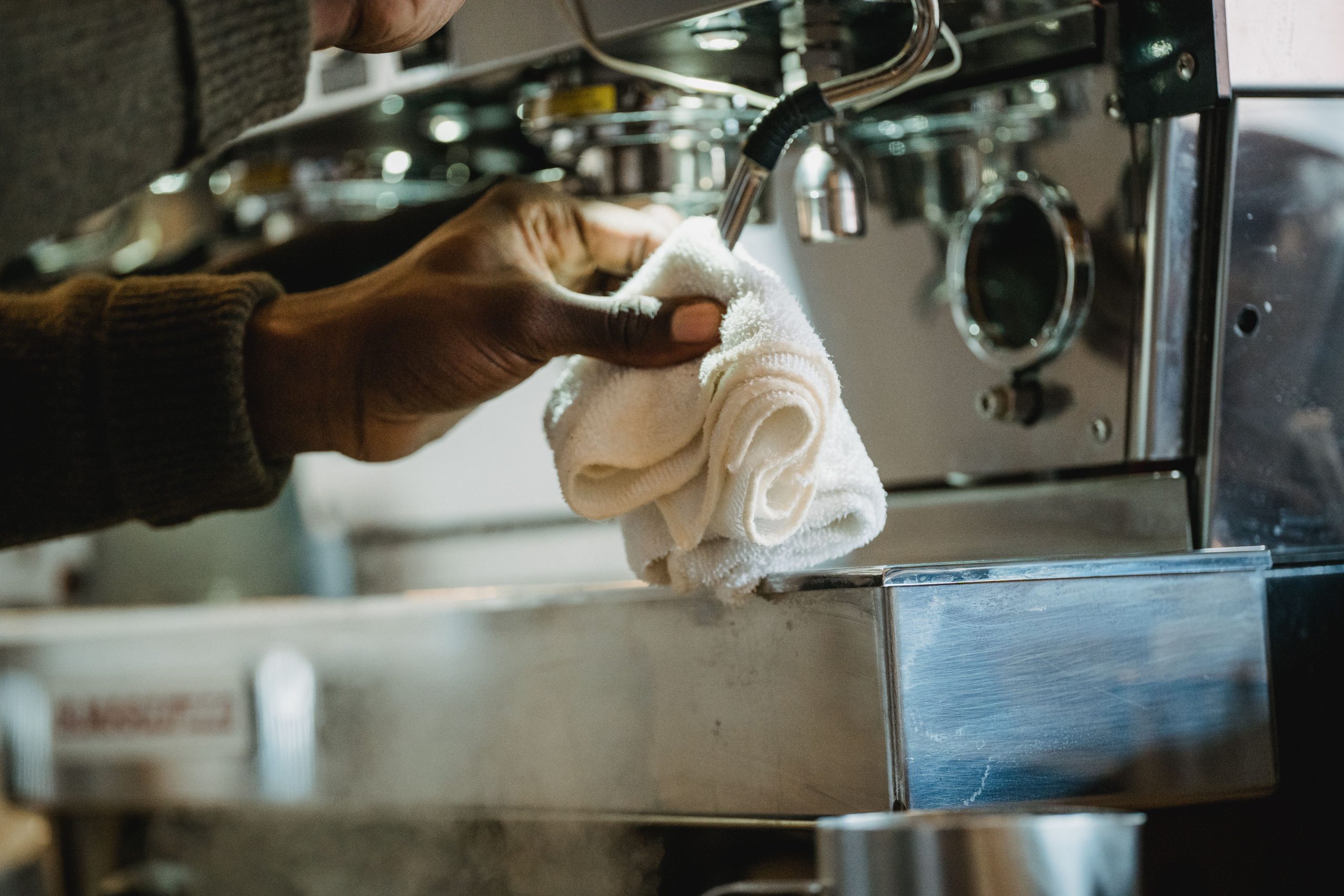
- Wipe down the hopper, chute, and grounds bin with a barely damp cloth (unplugged, always) to remove built-up residue that attracts new charge.
- Keep the grinder chute clear of grounds buildup, since old residue often makes new static worse.
Café do Paraíso Precision Burr Grinder – its metal grounds chute is designed to move ground coffee cleanly into the portafilter with less clinging than all-plastic hoppers, which pairs well with the RDT method above.
Does This Vary by Grinder Type?
Burr grinders (manual and electric) Burr grinders crush beans between two abrasive surfaces, which is efficient but does generate real friction. Electric burr grinders, especially at fine espresso settings, tend to show the most visible static because of grind speed and fineness. Manual burr grinders often produce a little less, partly because the slower, hand-cranked motion generates less rapid friction.
Blade grinders Blade grinders chop beans rather than crush them, and the inconsistent particle sizes they produce actually tend to cling less dramatically than a uniform, fine burr grind – though the tradeoff is far less consistent grind quality, which affects extraction more than static ever would.
Built-in grinders on espresso machines These typically grind directly into a chute or a portafilter cradle, which shortens the distance grounds travel and reduces the chance for grounds to jump onto surrounding surfaces. Static can still show up in the chute itself, though, especially on fine espresso settings.
Common Mistakes When Trying to Fix Static
- Adding too much water with RDT. A couple of drops is enough. Soaking the beans can clog burrs and affect flavor.
- Ignoring grinder maintenance. A dirty chute with built-up coffee oil and dust attracts more static, not less. Regular cleaning matters as much as any static trick. Equipment Maintenance
- Assuming static means the grinder is faulty. Some cling is completely normal and doesn’t indicate a defect.
- Grinding straight into a plastic container and expecting zero mess. Pairing RDT with a metal or anti-static container gets better results than either trick alone.
- Using a dry cloth or dusting brush that itself carries a static charge, which can spread grounds further instead of collecting them.
Frequently Asked Questions
Is static cling a sign something is wrong with my grinder?
No. Some static is a normal side effect of grinding friction, not a malfunction.
Does grind size really change how much static I get?
Yes. Finer grinds create more surface friction and generally produce more noticeable static than coarse grinds.
Will static make my coffee taste different?
No. Static doesn’t change the chemistry of the coffee or introduce off-flavors – it’s purely a physical, temporary charge.
Does the Ross Droplet Technique work for every grinder?
Most home grinders benefit from it, though results vary slightly by machine. It’s safe to try on standard burr and blade grinders in small amounts.
Why do grounds especially stick to the portafilter or spout?
These are often plastic or have tight, narrow surfaces where charged particles have close contact with a different material, making the attraction more visible.
Does bean moisture matter if I already store beans properly?
Yes, to a degree. Even well-stored beans vary slightly in dryness based on roast level, and that affects static regardless of storage conditions.
Can I eliminate static completely?
Not entirely. It’s reducible with the right habits, but some minor cling is a normal part of grinding coffee.
How do I clean up static-clung grounds without spreading them further?
Use a slightly damp cloth instead of a dry brush, since dry materials can themselves carry a charge. Always unplug the grinder first, and avoid inserting fingers or tools near the burrs or blades while cleaning.
Final Thoughts
Coffee grinder static comes down to simple physics: friction transfers charge, dry conditions hold onto it, and fine grinds amplify it. None of that means your grinder is broken or your coffee is compromised – it just means a few grounds end up somewhere inconvenient.
A couple of drops of water before grinding, a metal catch container, and regular cleaning handle most of the problem. Coffee Grinders For anyone shopping for new equipment, a grinder with metal grinding chutes and consistent burr alignment tends to keep static – and mess – to a minimum from the start.
A quick safety note: always unplug your grinder before cleaning it or clearing stuck grounds, and keep fingers and tools away from moving burrs or blades. Follow your manufacturer’s specific cleaning guidance for best results.
Café do Paraíso Anti-Static Cleaning Brush Kit – designed with a natural-bristle brush and a microfiber cloth that won’t generate additional static, making cleanup around the hopper and chute easier without spreading grounds further.